
WhoFi’s New Help, Tutorials, and Community
Finding help should be simple, especially during a busy library day. Community Connectors is WhoFi’s new help, support, and tutorial system built to make learning easier for staff.
It brings training, product updates, webinar recordings, and support content into one searchable place.
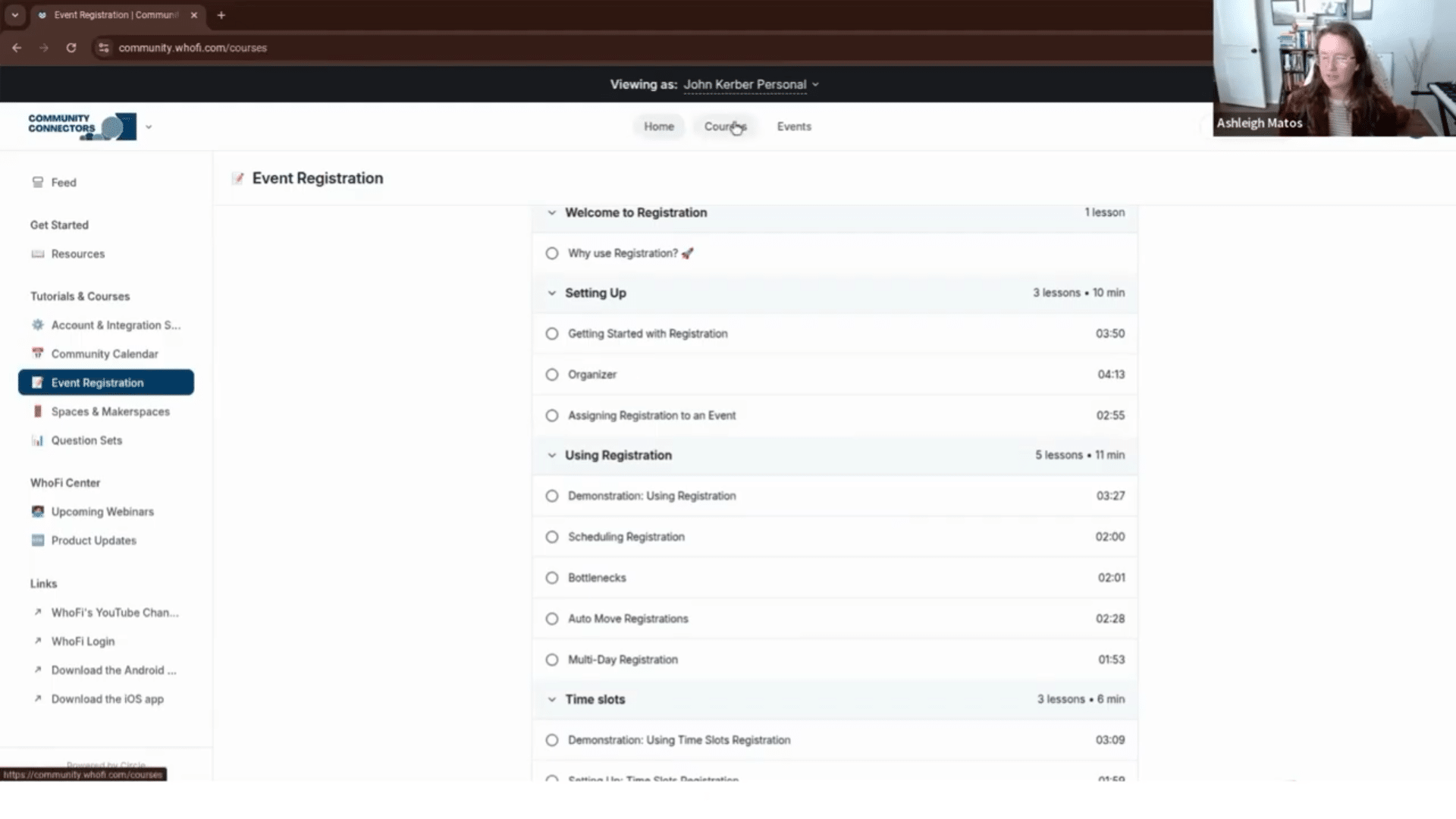
What Is Community Connectors?
Community Connectors is a new learning and resource space for WhoFi users.
Inside, staff can find:
- Short tutorial videos
- Feature-specific courses
- Product update posts
- Webinar details and recordings
- Searchable help content
- Common questions and tips
- Comment areas for questions and discussion
It’s designed to help staff find answers quickly and learn at their own pace.
Short Videos for Busy Staff
Most tutorial videos in Community Connectors are designed to be under five minutes. That makes it easier to find a quick answer without watching a long training session.
Videos are organized by WhoFi feature, including:
- Event registration
- Community Calendar
- Spaces
- Passes
- Reporting
- Advanced settings
Helpful for New and Experienced Staff
Community Connectors can support onboarding for new staff by giving them a clear place to learn WhoFi basics.
It also helps experienced users explore features they may not use often. Staff can search for topics like time slots, organizers, registrations, or calendar settings and find related lessons or posts.
Product Updates and Webinars in One Place
Product update emails are helpful, but they can be easy to miss. Community Connectors keeps updates in one place so your team can review them anytime.
Going forward, WhoFi product webinars will also be hosted through Community Connectors. Recordings will live there too, making it easier to revisit updates or share them with team members.
Built to Grow with the WhoFi Community
Community Connectors starts as a support and tutorial space, but the goal is to grow it into a collaborative hub for WhoFi users.
Over time, it can become a place for:
- Shared best practices
- Discussions
- Success stories
- Event ideas
- Troubleshooting
- Library impact conversations
How to Access It
Community Connectors is available inside your WhoFi account.
To get started:
- Log in to WhoFi.
- Click the blue help button on the right side of the page.
- Choose the option to log in or join.
- Create an account if it’s your first visit.
Once a staff member has been added to WhoFi, they can join too.
Community Connectors was created to help library teams learn faster, find answers more easily, and feel more confident using WhoFi.
